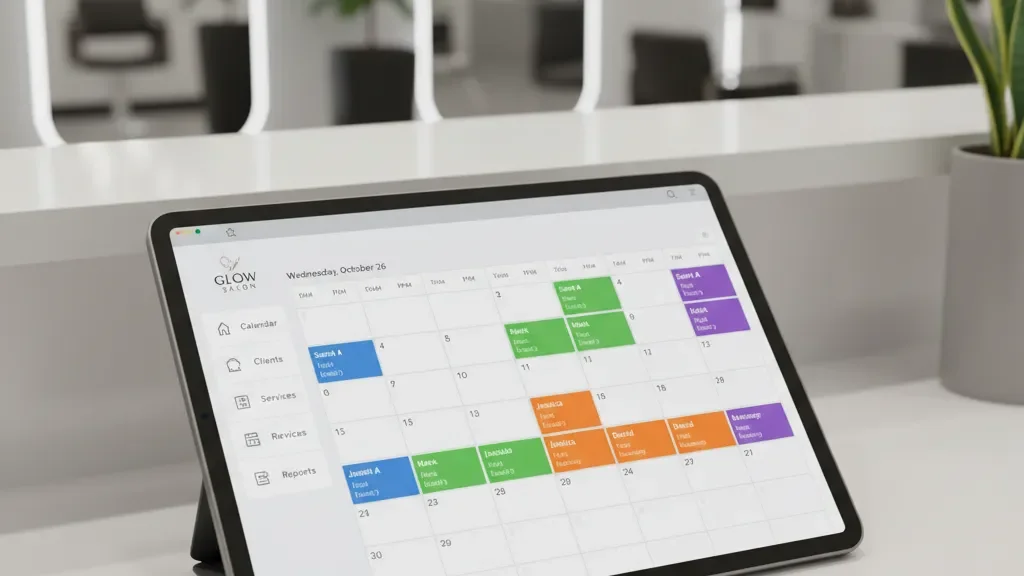
The moment you add a second technician, scheduling becomes a different job. By the time you have four or five techs with different specialties and availability windows, your calendar turns into a puzzle that changes shape every week. Here is how to stay ahead of it.
Why Manual Nail Salon Scheduling Falls Apart
A whiteboard works when everyone has the same hours. Once you introduce part-time techs, rotating days off, or techs who only do certain services, the manual approach starts producing mistakes. Double-bookings, forgotten time-off approvals, and gaps in coverage during peak hours all trace back to one root cause: too many moving pieces for a static system.
The fix is not just “get software.” It is building a scheduling framework that accounts for the realities of a multi-tech salon, then choosing tools that support it.
Stagger Nail Tech Shifts to Match Client Demand
Most salons have a clear demand curve. Staggered shifts align staffing with that demand instead of having everyone clock in at the same time. A common pattern for a salon open 9 AM to 7 PM:
- Early shift: 9 AM to 5 PM (covers morning appointments and the lunch rush)
- Mid shift: 10 AM to 6 PM (reinforces the busiest stretch of the day)
- Late shift: 11 AM to 7 PM (handles the after-work crowd and closing duties)
This keeps chair utilization high during peak hours without overtime. Survey your team before assigning shifts. Some techs prefer mornings for childcare. Others want late starts. Accommodating preferences reduces turnover and call-outs.
Build Shift Templates You Can Reuse
Creating a schedule from scratch every week is a time sink. Build three or four templates instead:
- Standard week: Your default staffing pattern when nobody is off. This covers roughly 70% of your weeks.
- Light week: One tech on vacation or leave, remaining staff shifted to cover gaps. Reduced hours where bookings are thin.
- Holiday/peak week: All hands on deck with extended hours. Prom season, the week before Christmas, Valentine’s Day.
- Weekend heavy: Extra coverage Friday through Sunday for busy retail periods.
Save these in your scheduling system and apply them in one click. Pick the template that fits the upcoming week, make minor adjustments, and publish. This cuts scheduling time from an hour to ten minutes.
Each template should document the minimum staffing level per day. If your Saturday template requires three techs and someone requests off, you know immediately whether you can approve it or need coverage.
Handle Service Overlap and Specialties
Not every tech does every service. One specializes in nail art and extensions. Another handles pedicures and basic manicures. A third does dip powder and gel exclusively.
When a client books a nail art set that takes 90 minutes, that appointment should only land on the calendar of a tech who performs that service. If your booking system treats all techs as interchangeable, you end up with wrong assignments and a morning-of scramble.
Map out each tech’s service menu and build those constraints into your booking flow. Clients see available slots only for qualified techs. This eliminates most rebooking headaches before they start.
For services that require extended station time, block the full duration on the calendar. A 60-minute appointment that actually takes 80 minutes with cleanup creates a cascade of delays. Build buffer time into every appointment type:
- 5 minutes between quick services (polish change, basic mani)
- 10 to 15 minutes between longer services (full sets, pedicures, nail art)
- 15 minutes after particularly messy services (acrylic removal, dip powder removal) for station cleanup
These buffers also give your techs a moment to reset. Short breaks between clients protect service quality and prevent burnout.
Prevent Double-Booking With Salon Scheduling Software
Double-booking is the scheduling mistake that clients notice and remember. The most common causes in multi-tech salons:
- Manual booking errors. Two front desk staff book the same slot without checking each other’s entries.
- Unsynchronized calendars. Techs book clients through Instagram DMs or walk-up requests, and the main calendar falls behind reality.
- Resource conflicts. The tech is available, but the station is not. A pedicure chair or nail art station can only serve one client at a time.
The solution is a single, centralized calendar that every booking flows through. No side channels. No “I’ll just squeeze her in.” Every appointment goes into one system, and that system enforces the rules automatically.
Salon scheduling platforms like Vagaro, Boulevard, or Lutily let each tech manage their own availability while you keep oversight of the full picture. Look for real-time sync, resource-level booking that ties appointments to both the tech and their station, and automatic buffer time settings.
If you are not ready for dedicated software, even a shared Google Calendar with strict rules will cut double-bookings significantly. The tool matters less than the discipline of using one system.
Create a Clear Time-Off Policy
Without a formal process, time-off requests leave you short-staffed on your highest-revenue days. Establish these ground rules in writing:
Submission deadline. Require requests at least two weeks in advance for single days, four weeks for a full week off. Anything less than 48 hours counts as a call-out, not a planned absence.
Maximum concurrent absences. Cap how many techs can be off the same day. For a five-tech salon, two people off on Tuesday is manageable. Two off on Saturday is not.
Blackout dates. Identify your highest-revenue periods and communicate upfront that time-off requests during those windows will be denied. Prom weekend. The week before Christmas. Valentine’s Day week. Techs appreciate knowing this in advance rather than getting rejected after making plans.
Approval workflow. Use your scheduling software’s time-off request feature instead of text messages or verbal asks. A digital trail prevents “I told you about this three weeks ago” disputes.
Post the time-off calendar where everyone can see it. When a tech knows December 21st is already taken, they plan around it. Transparency eliminates most of the back-and-forth.
Weekly Schedule Audits
Even with templates and software, schedules drift. A 15-minute review at the start of each week catches problems before they reach clients:
- Check for gaps. Any time blocks with no tech scheduled but appointments booked?
- Verify specialty coverage. If your only nail art tech is off Thursday, are those appointments moved?
- Confirm time-off is reflected. Did approved vacation days get blocked on the calendar?
- Look at the next week too. Catching a conflict seven days out is easier than the night before.
- Balance workload. One tech booked solid while another has open slots? Shift walk-in priority to even things out.
Why Good Scheduling Increases Salon Revenue
A well-structured multi-tech schedule directly affects revenue. Empty chairs during peak hours cost you money. Double-booked clients who have to wait (or leave) cost you money and reputation. Techs who burn out from inconsistent schedules cost you in turnover and retraining.
Build the framework. Pick the right tools. Spend 15 minutes a week maintaining it. Your future self, the one not fielding panicked texts at 7 AM about who is supposed to open, will thank you. For a deeper dive on booking systems, see our booking and scheduling guide. And if no-shows are eating into your schedule, check out our tips on how to reduce no-shows.